Client portal
Agencies can give every client a login that sees only that client's workspace: campaigns, creatives, and reports isolated to them, with spend shown (or hidden) per your disclosure setting. On a white-labeled domain the portal carries your brand end to end: sign-in page, console, emails, and exports.
Access levels
| Role | Sees | Can do |
|---|---|---|
Viewer | Campaigns, creatives, reports for their workspace | Read-only |
Approver | Everything a viewer sees, plus the request inbox | Approve or reject creatives and change requests |
Collaborator | Everything an approver sees, plus Creative Studio / Waveforms (needs creatives:write) | Generate or upload creatives and submit change requests |
Client users never see billing, people management, other workspaces, whole-book views, developer settings, or tenant settings: the sidebar itself is cut down to their scope.
Inviting a client
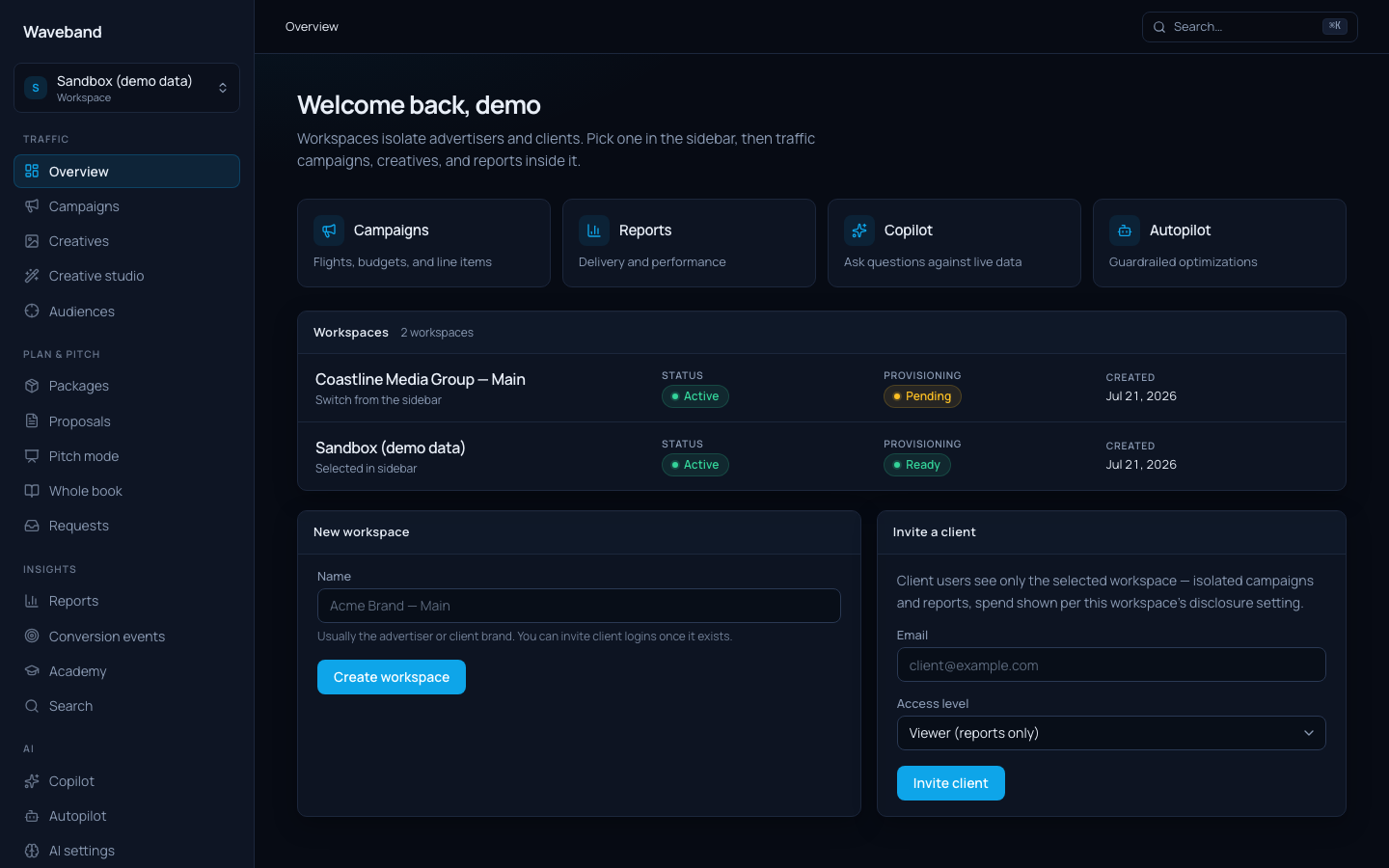
From the workspace overview, use Invite a client login: pick the workspace, their email, and an access level. They sign in with an email code: no password to manage.
Change requests
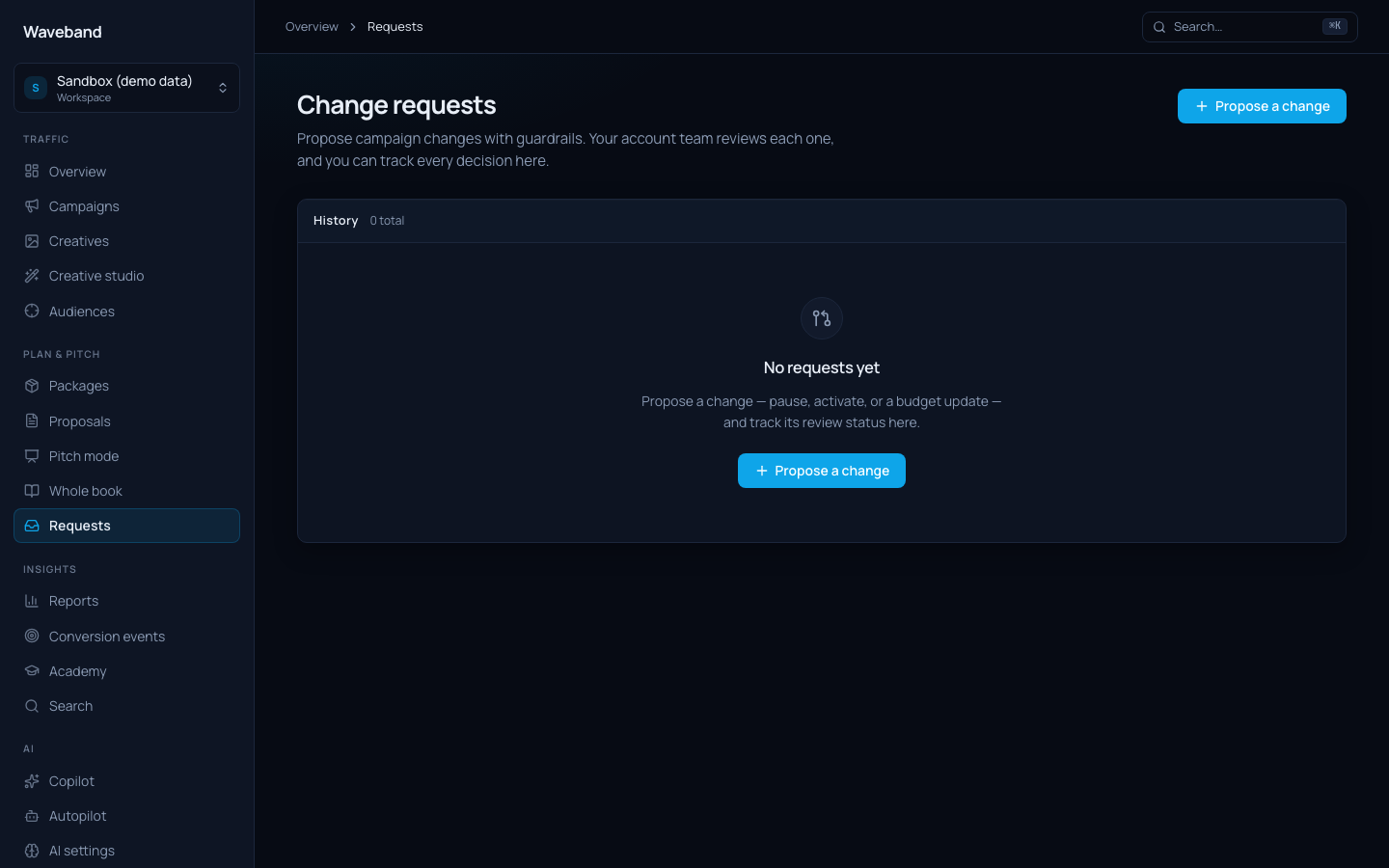
Clients with approver or collaborator access submit and track change requests ("raise budget on the retargeting line") in the request inbox; your staff sees the same queue with an approval workflow, and every decision is logged.
Share links (no login at all)
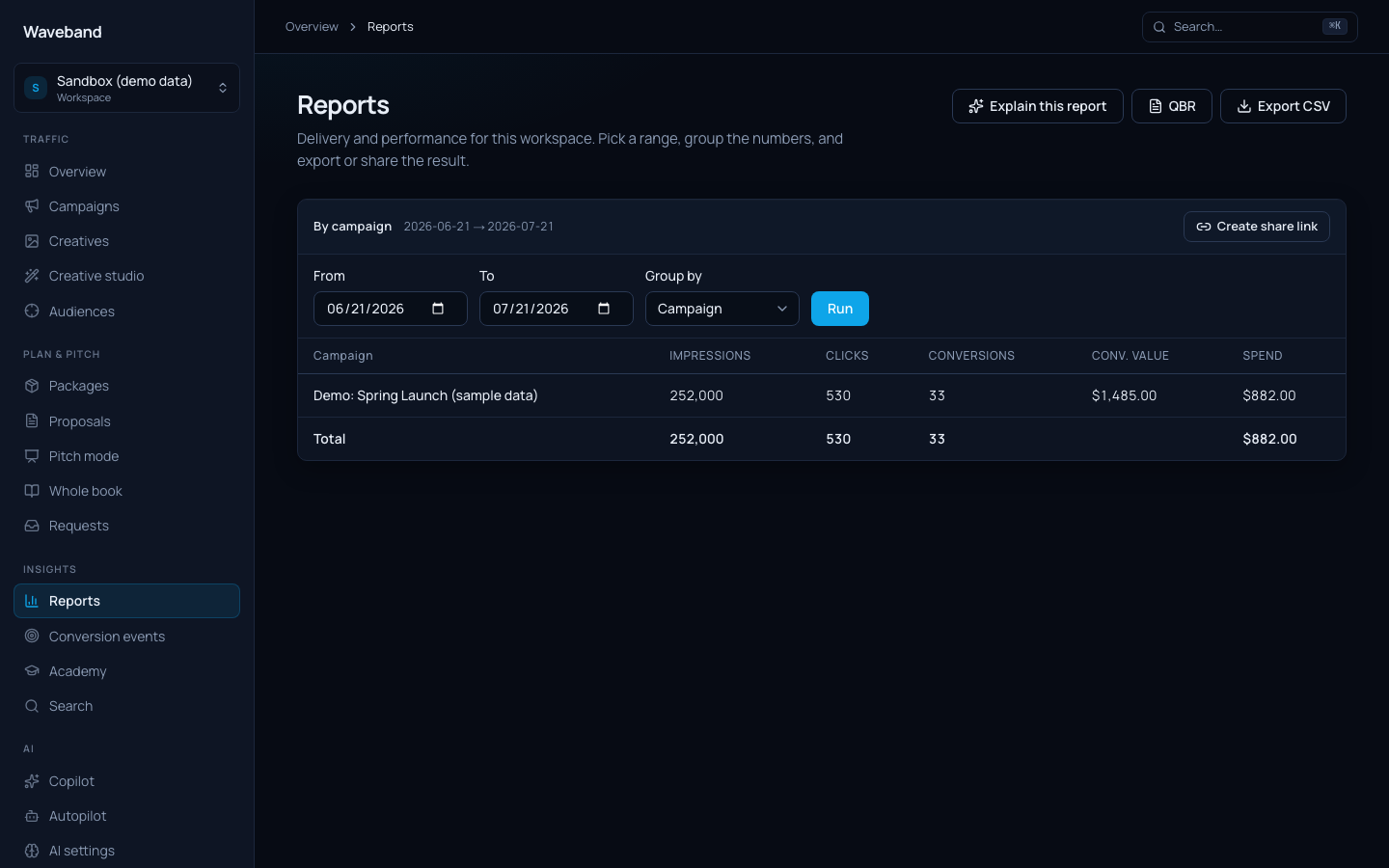
For stakeholders who shouldn't have accounts, any report can be shared as a tokened, expiring read-only link (Create share link on the Reports page). Proposals work the same way: clients review and accept from a tokened page.
Spend disclosure
Per workspace, choose whether client roles see spend in dollars, or delivery metrics only. Reports, dashboards, exports, and share links all respect the setting.